Codes
No active Build and Sell Houses promo codes as of Nov 2026. Join Zingo Labs for the group reward, then watch here for new drops.
View all CodesBuild Tips · Sell Guides
Unofficial wiki for Build and Sell Houses on Roblox: framing tips, material value tiers, furniture ranks, sell guides, and group rewards.
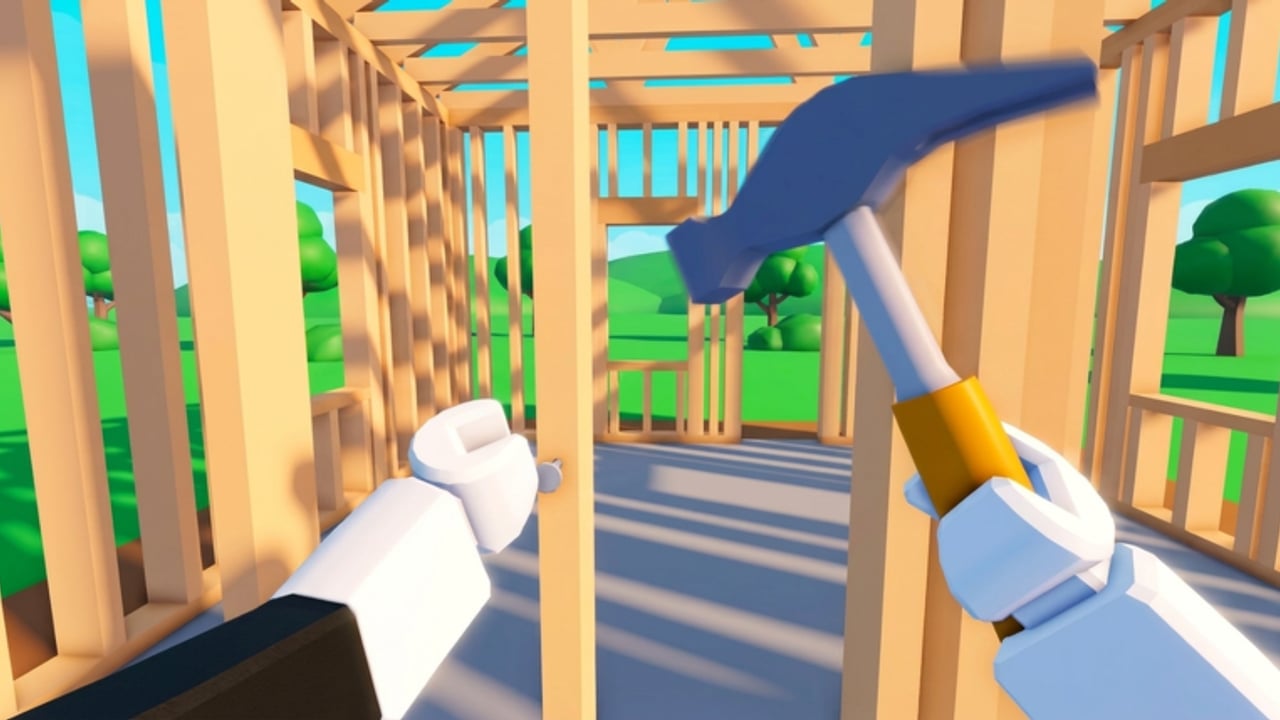
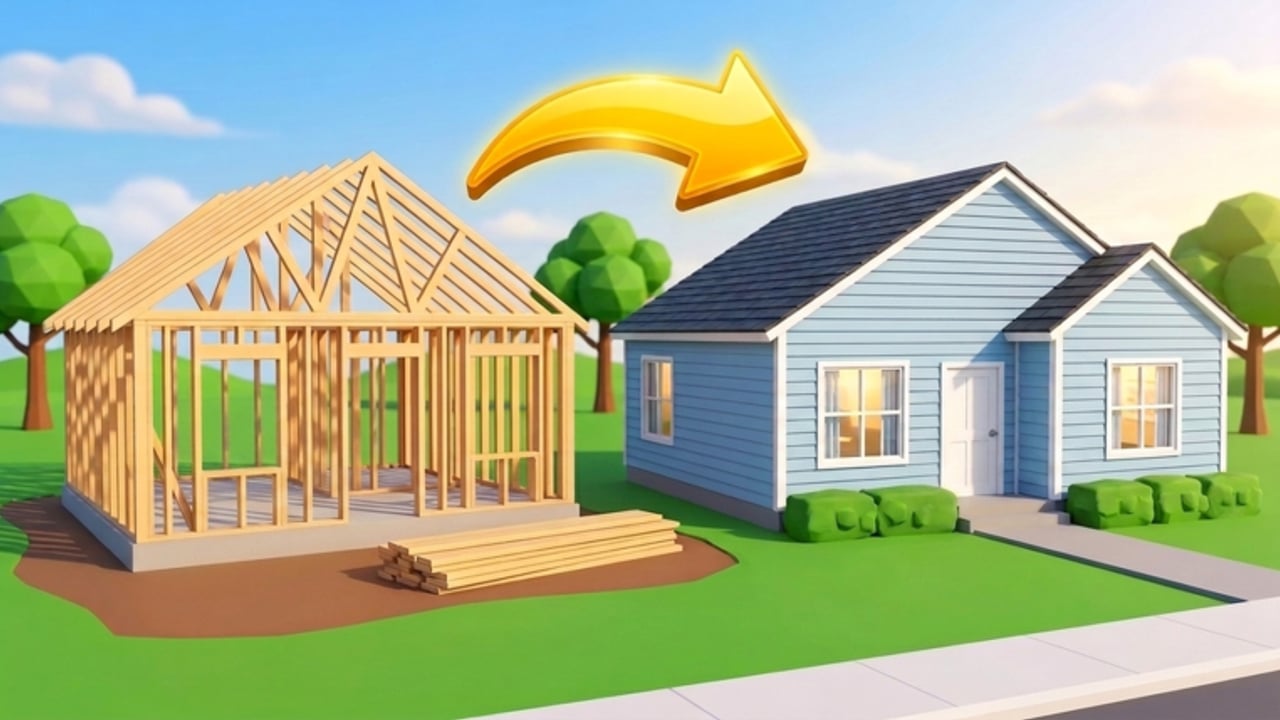
**Build and Sell Houses!** is a realistic construction simulator on Roblox by **Zingo Labs**. You raise houses from an empty lot: frame the walls, wire a breaker box with lights and outlets, run plumbing to sinks and showers, install HVAC, choose roofing, add siding and sheetrock, paint inside and out, place furniture, then landscape the yard before you sell. Every finished step raises the home's value, and cash from sales unlocks better materials and new districts. Start with the Getting Started walkthrough, then dig into how to build and how to sell. Compare material tiers when you unlock upgrades, and check codes for any live promos (none are active yet—join the Zingo Labs group for a community reward).
No active Build and Sell Houses promo codes as of Nov 2026. Join Zingo Labs for the group reward, then watch here for new drops.
View all CodesBuild and Sell Houses guides hub: first session, build pipeline, utilities fixes, districts, fast cash, sell tips, furniture, and controls.
View all GuidesMaterial and furniture value tiers for Build and Sell Houses on Roblox—what to unlock first for better sale prices.
View all Tier ListBuild and Sell Houses multiplayer tips: join Zingo Labs for rewards, use 8-player servers well, and keep co-op house builds civil.
View all PlayersBuild and Sell Houses patch notes cover landscaping trees and bushes, plus hotfixes for furniture search, mobile placement, and routing.
View all UpdatesNo verified Build and Sell Houses scripts listed yet. Read safety rules on executors, bans, and how to judge future script claims.
View all ScriptsOfficial Build and Sell Houses links hub: Roblox game page, Zingo Labs group, @ZingoDev, plus the creator YouTube studio channel.
View all LinksJoin the [Zingo Labs](https://www.roblox.com/communities/33627792/Zingo-Labs) community for the starter reward, then open the game. There are no active promo codes yet—bookmark the codes hub for when they drop.
Follow Getting Started and the how to build guide: frame walls, then electrical, plumbing, HVAC, roofing, siding, sheetrock, paint, furniture, and landscaping.
Use the materials tier list to pick upgrades by value-for-effort, and the furniture tier list so rooms boost sale price instead of draining cash.
Finish every required system before listing. Read how to sell and make money fast for value checks, then use districts and materials before you expand.
Quick answers to the most common questions.
Read Getting Started, then how to build. If utilities stall, open utilities troubleshooting.
No public promo codes are documented yet. Check the codes page for updates, and join the Zingo Labs group for the community reward.
No. This is an unofficial fan resource for Build and Sell Houses on Roblox. Confirm announcements on the official game page or Zingo Labs channels.
This wiki is available in English, Français, Deutsch, Español, and Português (BR).
Servers support up to 8 players. You can build alone or with friends, then sell finished houses for cash to unlock materials and districts.
From first framing to district unlocks, our guides cover every Build and Sell Houses mechanic. Start with the beginner guide or jump into codes and the tier list.
Start with the beginner guide